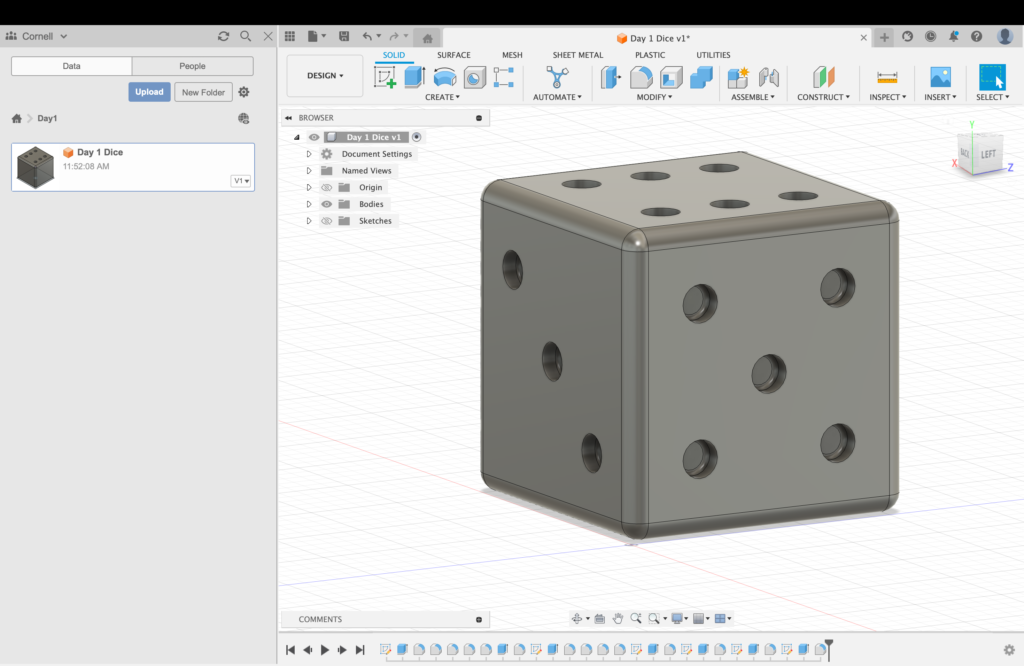
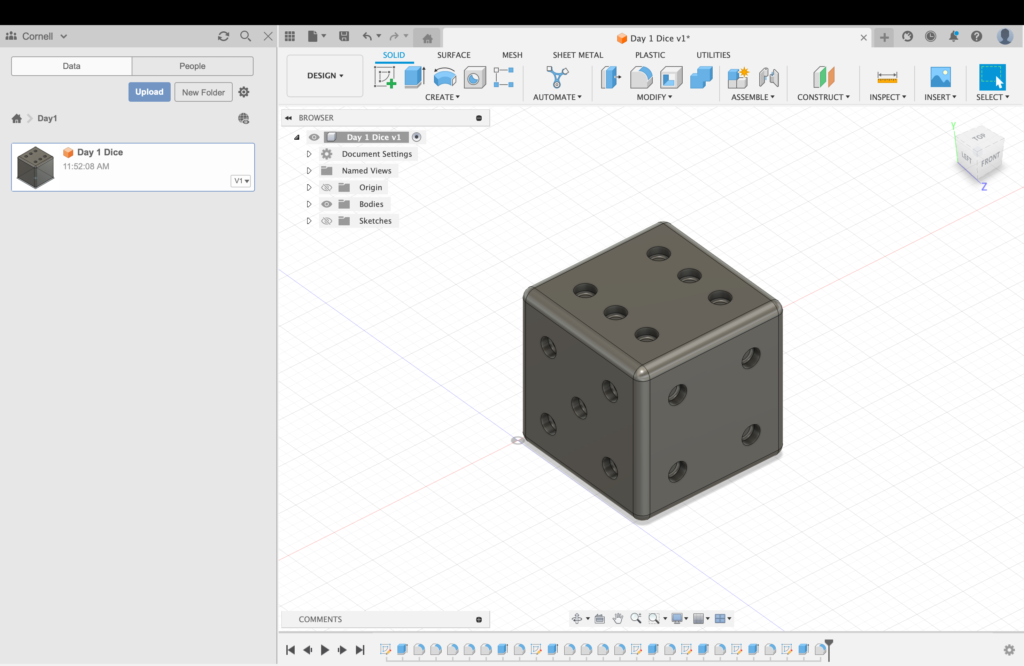
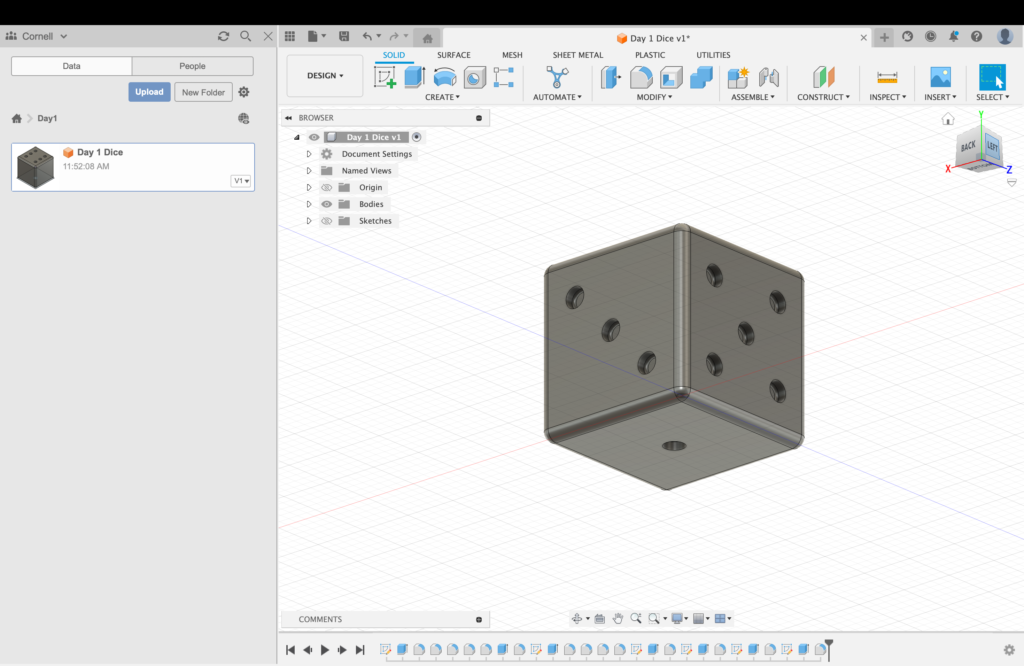
I found this exercise to be relatively easy. I recognize that my object was rather simple, but my familiarity with the program and the tools allowed me to create a dimensionally-accurate die, including which sides are opposite which. I found the precise spacing of the divots to be a bit of a challenge, and that was probably the most difficult part of this project. In terms of compromises, because I’d put some of the divots so close to the edge of the die, I could fillet the edges as much as I’d initially envisioned. I can imagine this 3D model being used in a gaming or randomizing setting, and maybe as a teaching tool while learning to make a physics simulator. For novice Fusion360 users, I recommend paying attention to the actual dimensions of an object. You can adjust the project’s units on the left side of the interface then just type what measurements you’d like as you make a change.
HTML Test… Strikethrough
What is “em?”
Seems to be italics

That is one good looking die. Although I am completely new to 3D modeling, I was able to learn quickly and get comfortable with the tools. While reading your lab report I noticed that we both had some challenges aligning and spacing the divots. I used visual instinct when making my divots. As long as it looked accurate I was fine. I didn’t know there was a feature where you can just type the measurements of your object. Thanks for sharing!
Considering the simplicity of the assignment this die looks amazing and down to the last detail. I love how you made something so simple and extravagant to look at.
Also to add this is my first time ever using 3D Modeling on fusion so this inspires me to learn more about this class and create more 3D models!