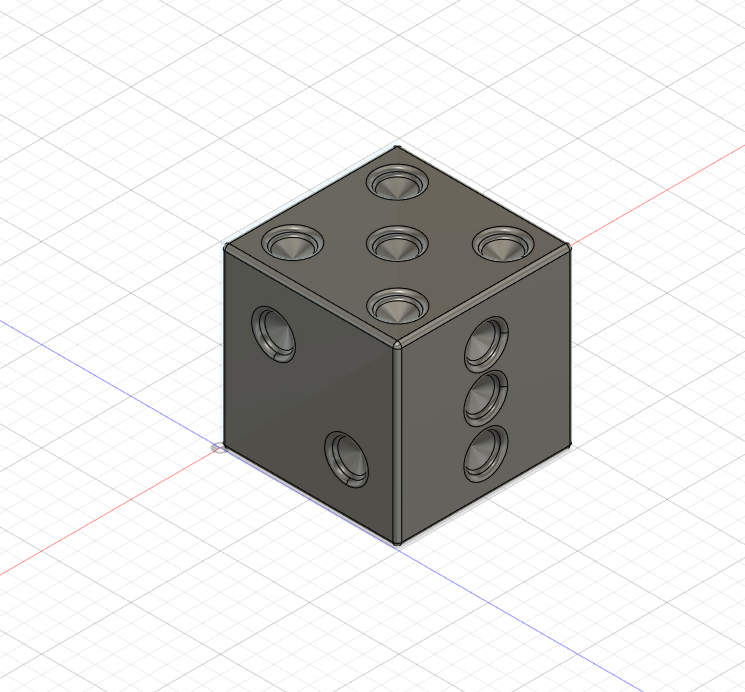
Learning a new tool is can be deeply frustrating, especially if it’s similar to something else you’ve used. The keybindings are all wrong, the icons in different places, and everything that should be easy becomes arcane and unnecessarily complex. Granted, someone who started in the other direction would say the exact same things about your tool of choice, but the struggle is there. Making this die was unnecessarily hard.
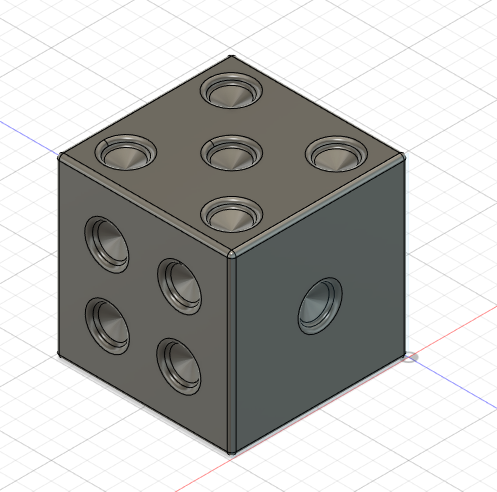
To understand the tool in a reasonable amount of time, I had to ditch color, the die only exists in the standard uniform grey. Hopefully at some point I can learn how to re-add it.
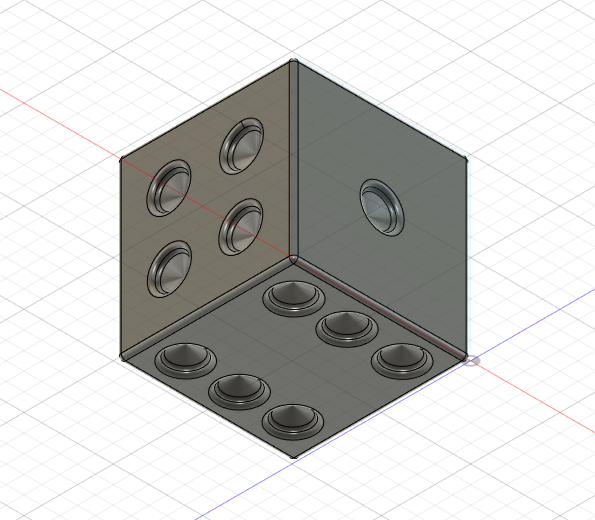
I could see fusion360 as being useful for mockups of tools and items, creating models of geometric objects especially. The more shape-centric style of editing, as compared to other 3d modeling software’s topology based editors, means that it excels at rigid and uniform items.
One piece of advice I’d give for someone new to the software is that the fillet tool is your friend – it smooths out rough edges in a way that can add to the style of the object.
