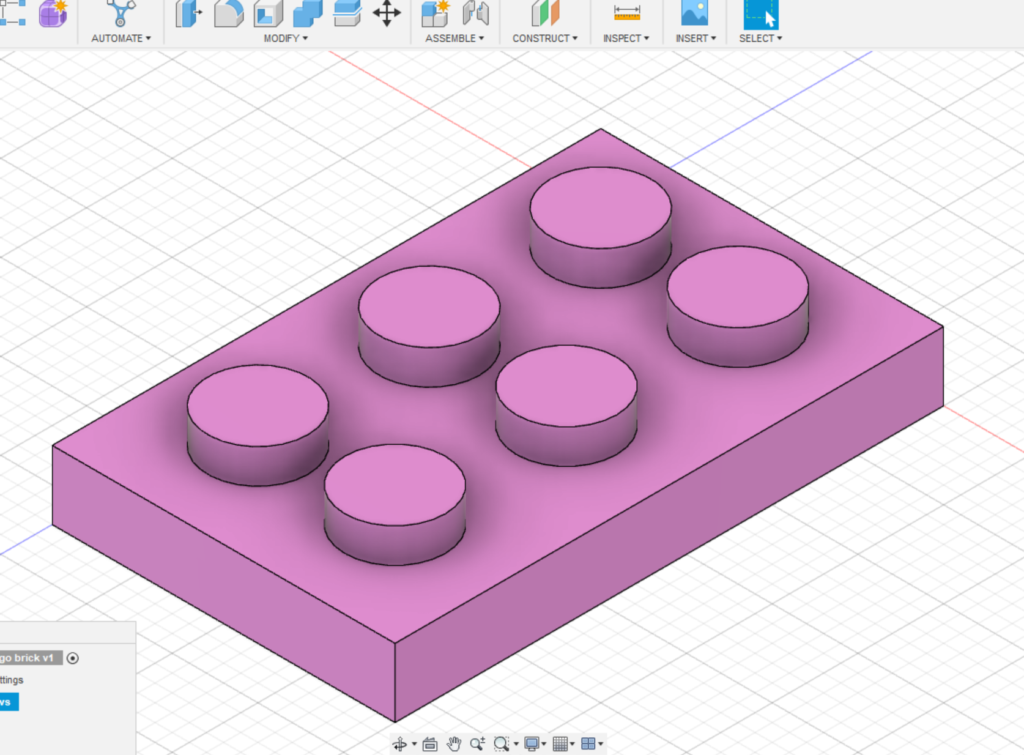
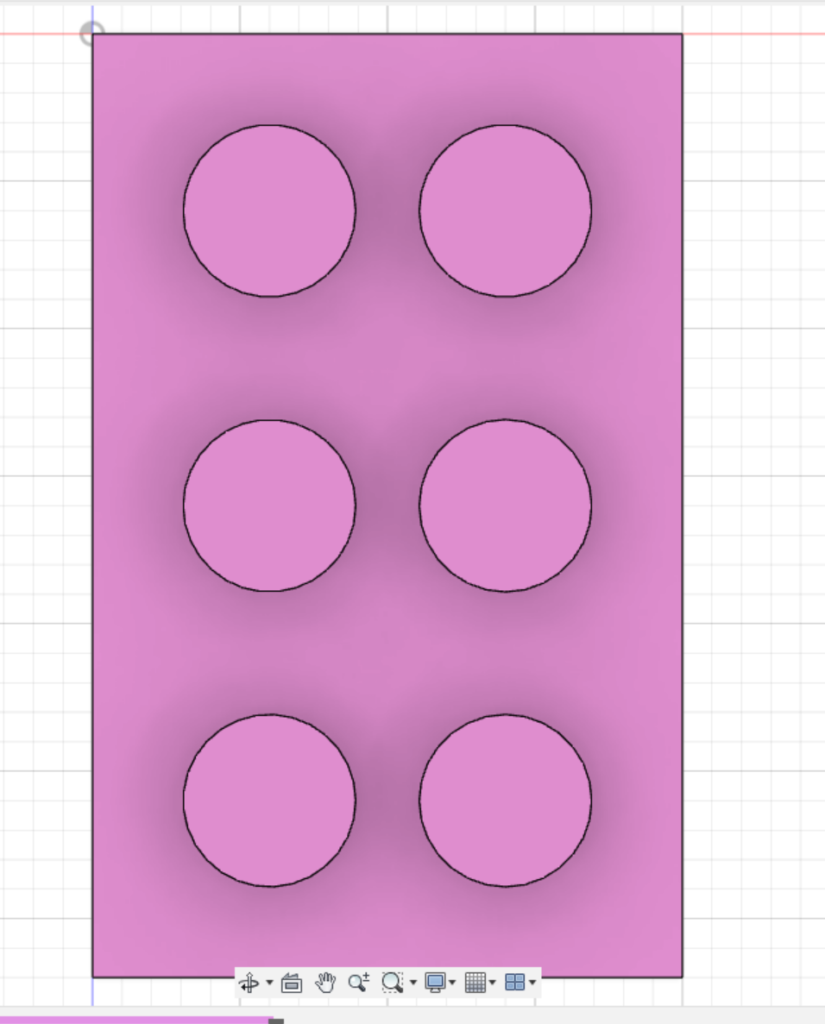
For this lab I chose to make a model of a 3×2 lego brick. This was the first time I have worked with any sort of 3D modeling and It was honestly pretty difficult for me to get used to the program and what all the different tools do. I still don’t understand it all that well if I’m completely honest. An element that was especially hard for me to understand was the different planes. At one point I was putting the cylinders on the wrong side of the rectangle because I got myself all turned around. I also ‘got lost’ in the grid and decided it would be better for me to start over than figure out how to get back to my sketch. A compromise I had to make was not adding details to the bottom of it because I do not know how to ‘hollow it out’, if that makes sense. Something I found really useful was the move/copy tool because It helped me move things around and place them where I wanted them to be.
I can see this tool being useful in research and teaching by allowing people to view sculptures and historical artifacts. People could also use this tool to design prototypes for things they may want to build.

Wow this looks really good! This was also my first time 3D modeling and I faced similar issues like moving my camera around and getting lost on which side I was looking at. Thanks for sharing the move/copy tool. Although I didn’t have to use it for my model, it’s helpful to know that there is a tool like that.
Looks awesome!! Rotating my project in the 3d space was a big challenge for me as well, since the tools did not often feel intuitive. How did you get it to be pink? In my project, I was trying to get a part of it pink (the eraser on the pencil) but had to compromise to red because I couldn’t find anything in the menu that was pink.