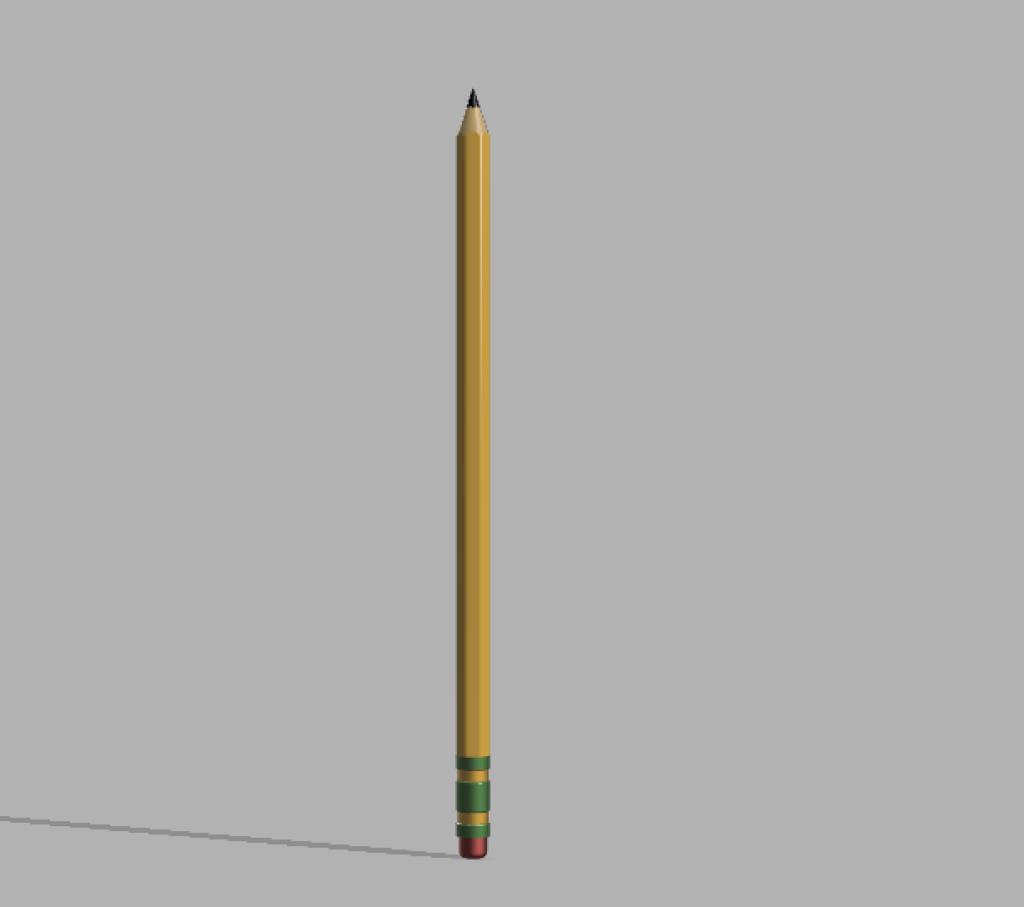
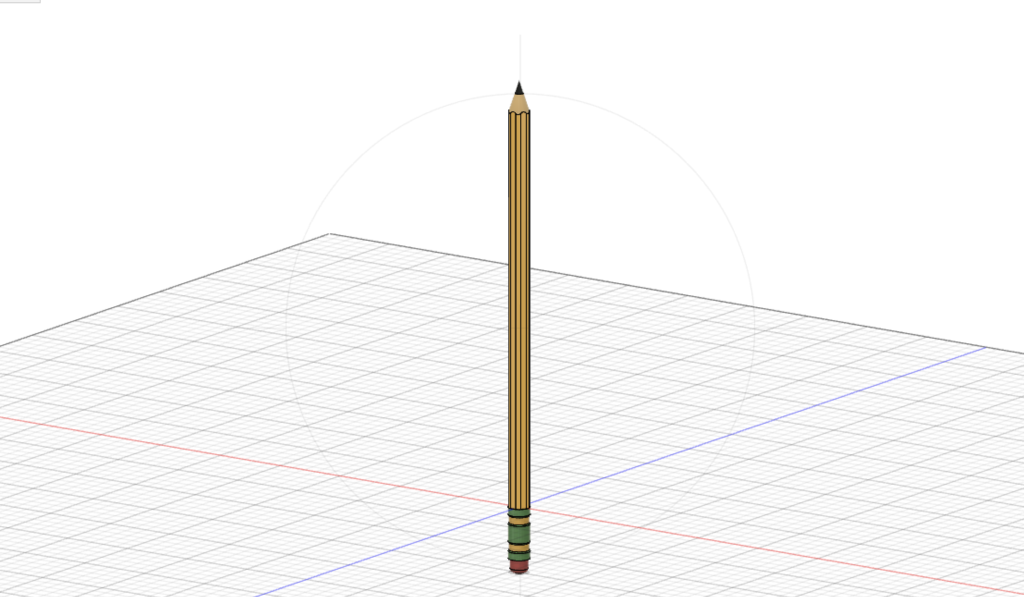
For my 3d modeling lab, I chose to make a standard yellow wooden pencil. At first, it was difficult to get used to the program, but having to redo the model three times because my computer did not save it properly definitely caused me to quickly become more familar with the tools I was using. By the end of the process, it was much easier, since parts of the program became much more intuitive. The thing that frustrated me the most in the process of making it was figuring out how to create the curved area between the hexagonal yellow part of the pencil and the cone-shaped part. The main thing I learned from this challenge is that I had to think backwards and in terms of how that object is built in real life: instead of building the pointed part up from the base, I created the shape of an unsharpened pencil, and then used the rotate and cut tools to “sharpen” the pencil.
One of the main compromises I had to make was the lack of detail on the green metal part, since I couldn’t figure out exactly how to create all of the sections. Also, the eraser part had to be red instead of pink because there seemed to be limited options in Fusion 360 for the render texture.
In the areas of research and teaching, I can imagine Fusion 360 being used to model objects that a student or researcher may want to examine in detail, but that are unable to be accessed or handled by them in person. 3d models of historical objects would enable the in-depth study of these objects by everyone, not just those able to view them in a museum or collection.
